For principals, APs, and school leadership teams

Close the distance between your school goals and your teachers' daily work.

Every principal has the same drawer: PD binders, an SIP that gets reviewed quarterly, a walkthrough rubric, and the quiet knowledge that the gap between “what we said in August” and “what’s happening in March” is where school growth actually lives or dies. LearningGarden closes that distance. Your priorities become Designflows your teachers run. Your walkthrough look-fors become Actions they use. Your PD becomes a shared Garden that keeps teaching long after the consultant has left the building.

  • Your SIP becomes Gardens
  • PD that survives the weekend
  • Coaching that ships artifacts

For instructional leaders

Five shifts that turn a strategic plan into daily practice.

Built for instructional leaders who are tired of priorities that don’t survive the walk from August institute to October classrooms.

Make Growth Goals Workflow-Visible

Your school growth goals aren’t posters. They’re Gardens. Each priority area has a moderator, a living library of Actions and Designflows, and usage data you can pull up in an admin meeting.

Close the Theory-to-Practice Gap

Frameworks like UbD, UDL, Visible Learning, and Science of Reading stop being vocabulary and become the structure of the workflows teachers run. Pedagogy transfers without requiring every teacher to become a theorist.

PD That Survives the Weekend

Every PD session leaves behind a Designflow in a Garden. Adoption is measured automatically. Your teachers iterate. Your staff gets better every month instead of every August.

Data-Driven Teacher Leadership

Identify, elevate, and cultivate emerging teacher leaders based on who is producing resources their colleagues actually use — a quiet but powerful leadership pipeline grounded in artifacts rather than politics.

Walkthroughs That Generate Next Steps

Observation and coaching conversations produce runnable artifacts, not just rubric scores. Every look-for has a matching Action that moves a teacher from “noticed” to “ready to try tomorrow.”

Five strategic uses

How instructional leaders actually use LearningGarden.

Five concrete plays for the principal’s office — from SIP implementation to teacher leadership pipelines.
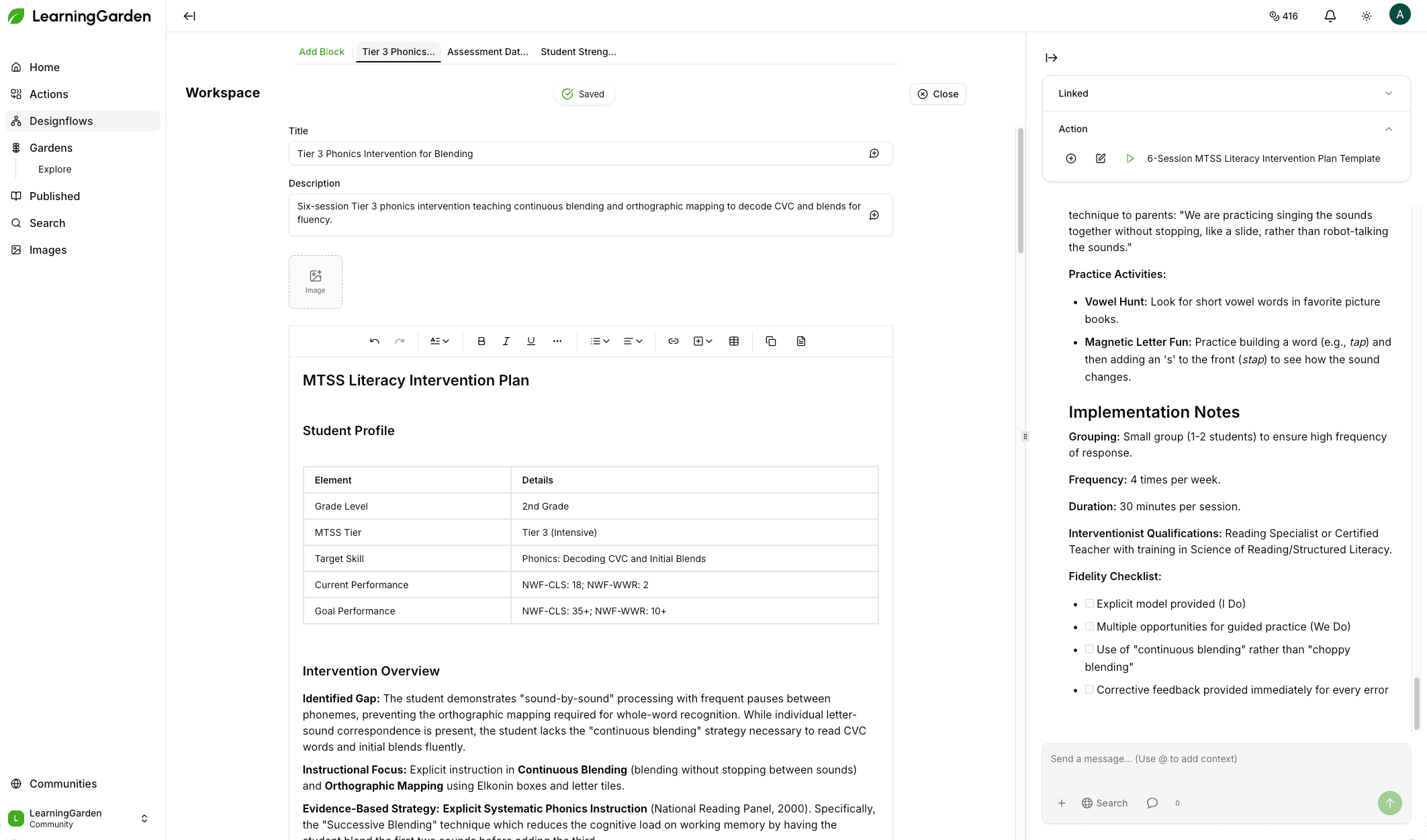
Garden view — Literacy priority Garden with Designflows, moderators, and adoption metrics
01Your SIP becomes Gardens

Operationalize your School Improvement Plan

Each SIP priority — literacy, numeracy, MTSS, writing across the curriculum, equity in discipline — becomes a Garden. Inside, you publish the Designflows that show what implementation looks like in daily practice. Your SIP isn’t a document. It’s a set of workflows your teachers can literally click “Run” on every day.

Example Designflow

Tier 2 MTSS intervention planning

  • Generate a diagnostic question set from a student’s last three assessments
  • Draft a 6-session intervention plan aligned to the identified gap
  • Produce a parent-facing summary in the family’s home language
  • Create the progress-monitoring review
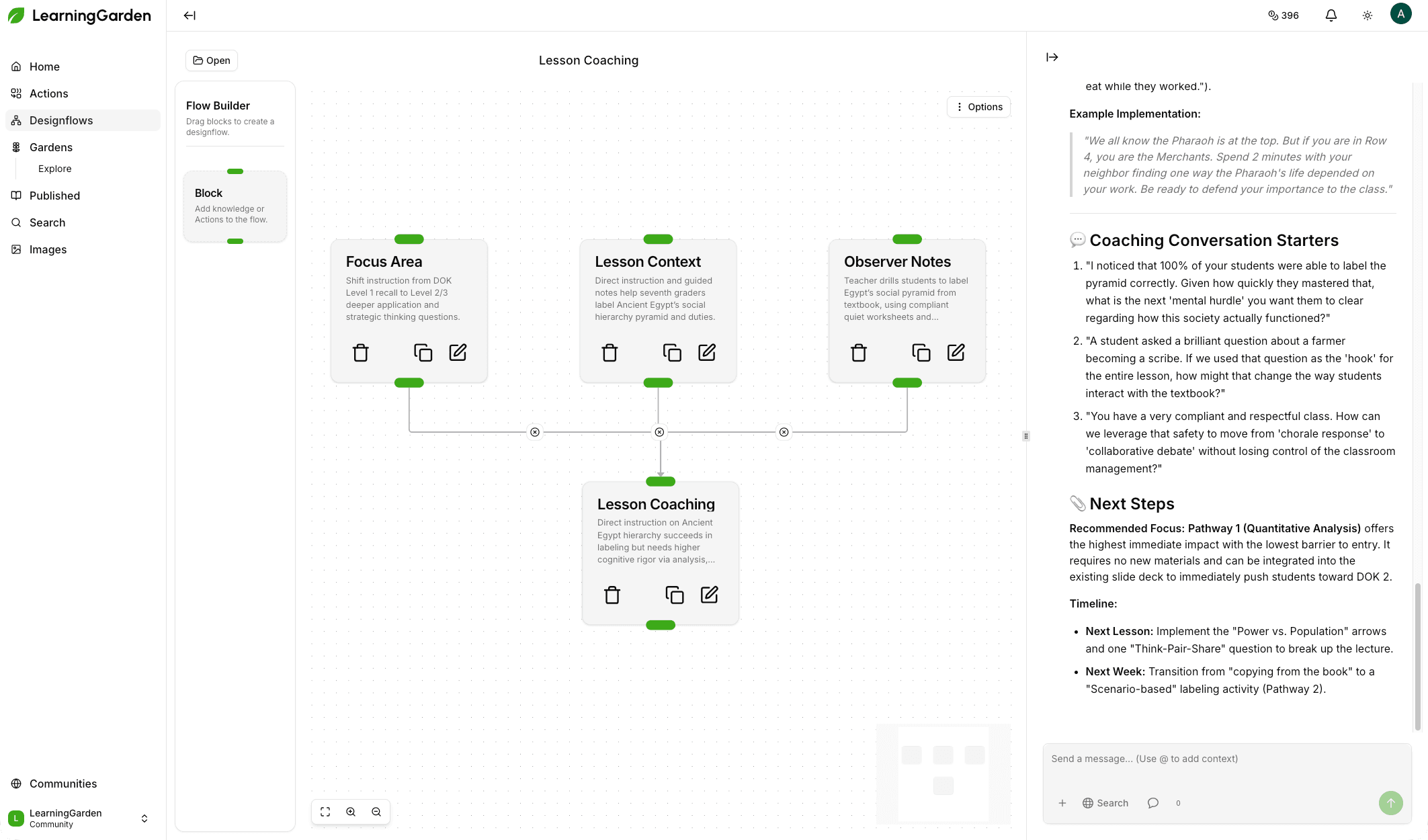
Coaching Library — walkthrough rubric look-fors mapped to runnable Actions
02From “noticed” to “ready to try tomorrow”

Make walkthroughs and feedback generative

Your walkthrough tool tells you what you saw. It doesn’t help the teacher do it better tomorrow. Build an Instructional Coaching Library where each look-for has a matching Action that turns observation into a runnable next step. Feedback becomes a resource, not a report.

Example Designflow

Depth of Knowledge (DOK) Question Upgrade

  • Observed a lesson stuck at DOK 1? Run the Action with the lesson topic as input
  • Generate five DOK 3 question variants the teacher can try tomorrow
  • Saw a strong cooperative structure? Run “Extend This Strategy”
  • Produce two more lesson ideas where that structure would shine
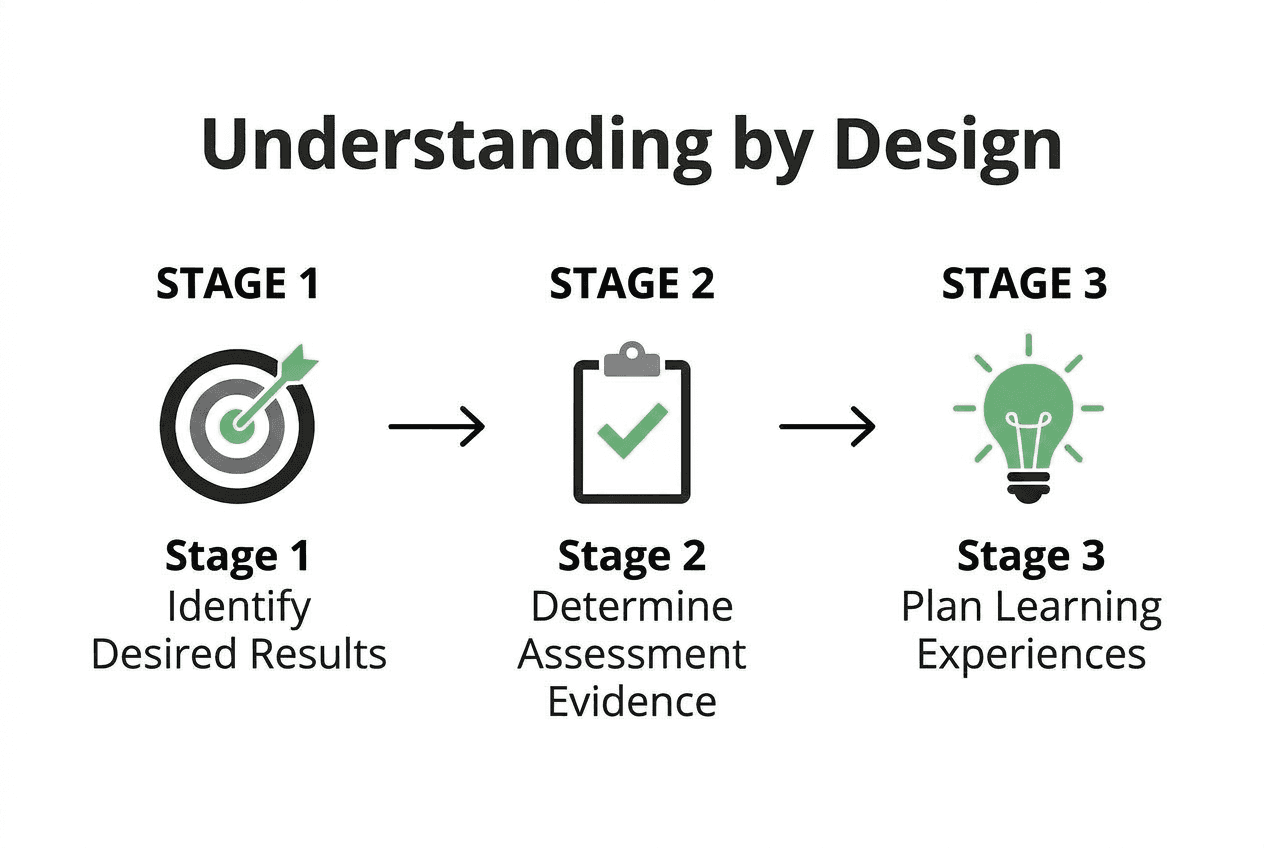
UbD Designflow — three connected Actions enforcing backward design
03The quiet superpower

Translate academic theory into teacher artifacts

Frameworks like UbD, UDL, Culturally Responsive Teaching, Visible Learning, and the Science of Reading typically live in books on your shelf. In LearningGarden, each framework becomes a Garden of Designflows where the theory is baked into the workflow itself. You stop training teachers on frameworks. You start shipping workflows that embody them.

Example Designflow

Understanding by Design (UbD) Garden

  • Action 1 — Capture desired results and transfer goals
  • Action 2 — Generate aligned performance tasks and evidence
  • Action 3 — Produce the learning plan
  • Graph structure prevents starting with activities and working backward
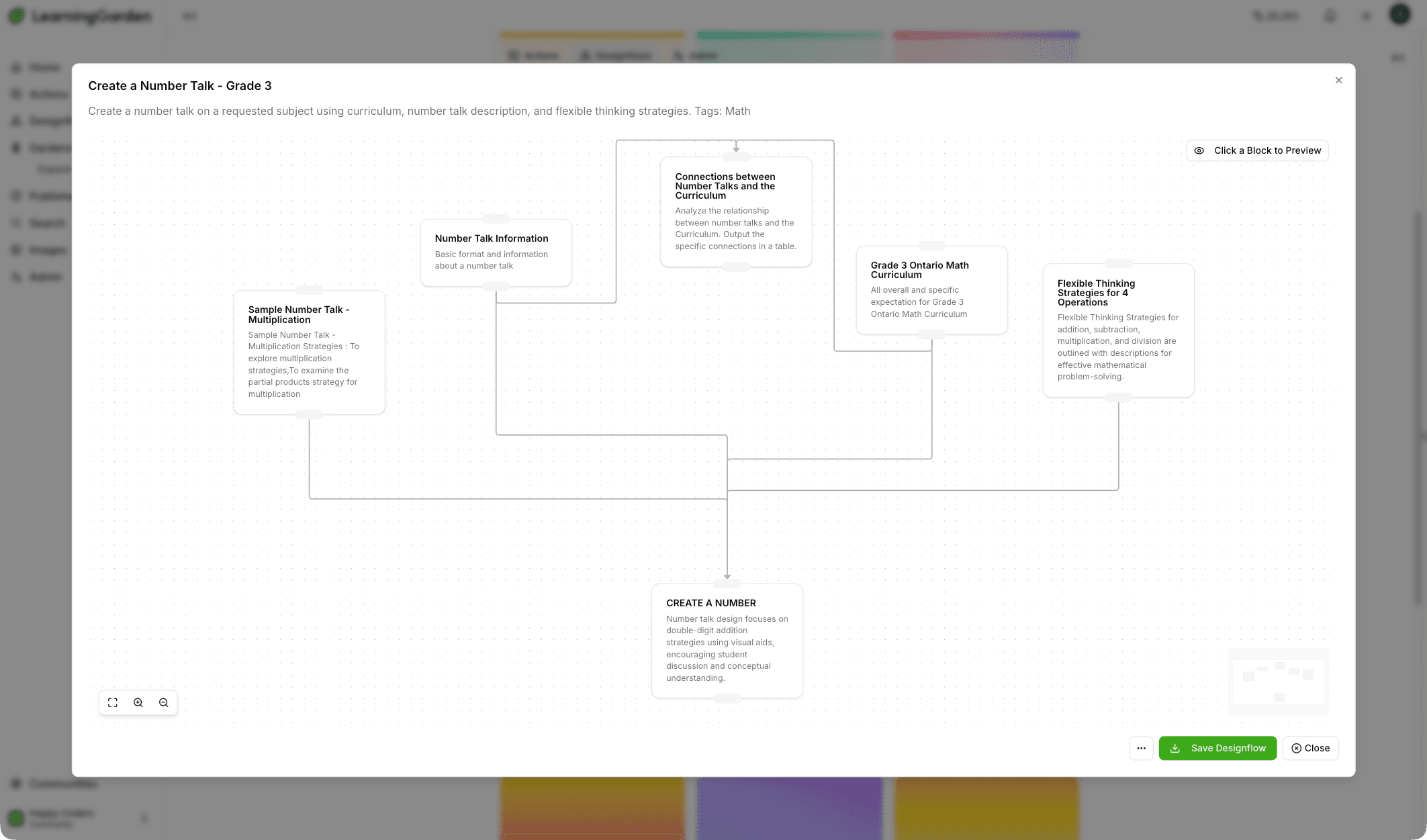
PD adoption dashboard — Designflow versions, views, and generation counts over time
04Break the post-PD decay curve

Make PD persistent

Every principal has watched the post-PD decay curve. Friday: inspired. Monday: fire drill. By Wednesday, the binder is in a drawer. LearningGarden breaks the curve because the PD deliverable is a working Designflow, not a PDF — live, runnable, and visible in the grade-level Garden the curriculum leader moderates.

Example Designflow

Teaching Number Talks

  • PD session ends with every teacher saving the Designflow to their library
  • Designflow is live and runnable in the grade-level Garden
  • Curriculum leader sees adoption metrics — views, downloads, generation counts
  • Curriculum leader iterates; every teacher who favorited it sees the new version
Leaderboard view — top contributors ranked by adoption metrics across the school
05A leadership pipeline grounded in artifacts

Build the next generation of teacher leaders

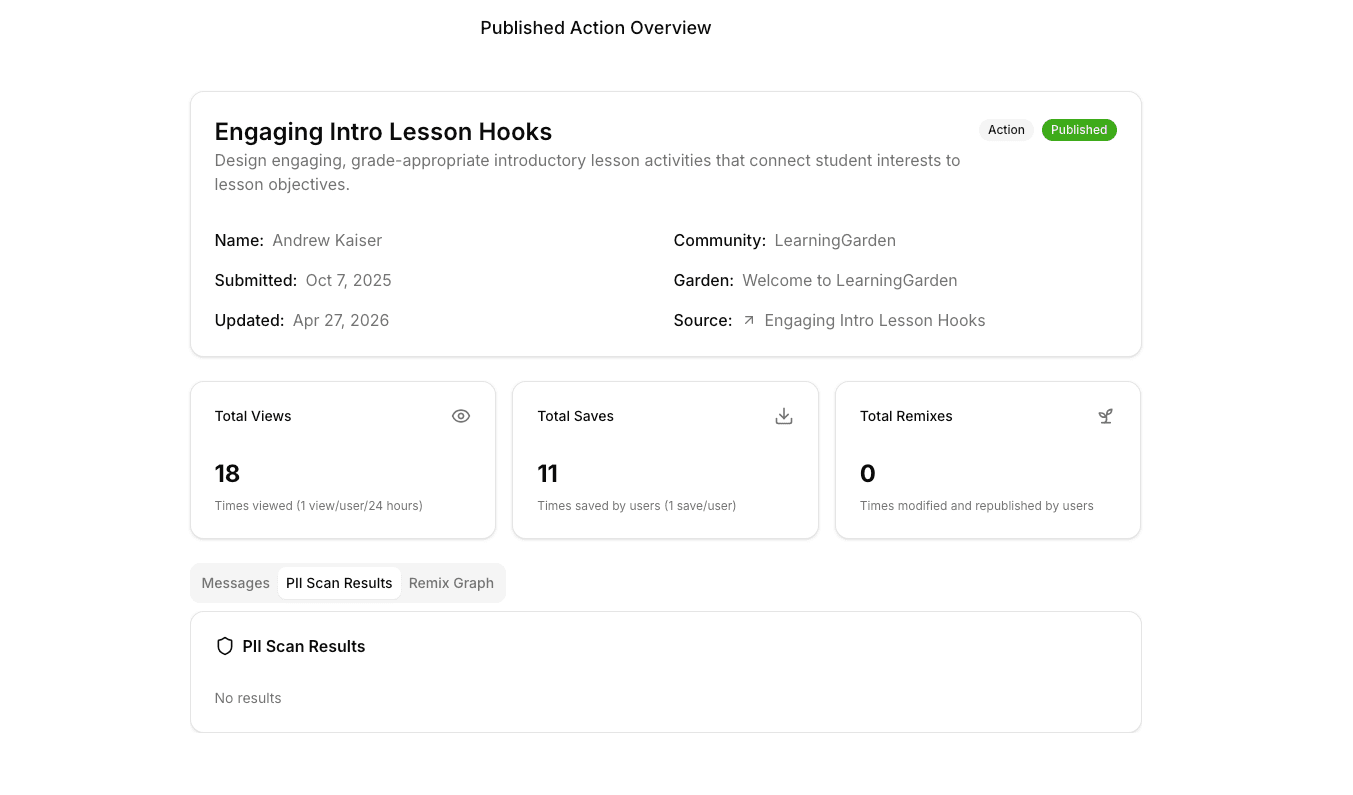
Identify your strongest teachers by who is publishing to the school Garden, whose Actions other teachers are favoriting, whose Designflows are getting re-run across classrooms. The view, download, and generation counts are a low-ego, data-driven leadership pipeline. Your teachers learn and grow from each other, not by being nominated.

Example Designflow

Teacher Leader Signals

  • Sort published resources by re-runs and favorites across the school
  • Surface contributors whose Actions and Designflows are adopted across grade levels
  • Connect teachers to the colleagues quietly shaping their practice
  • Build a faculty that learns from each other, not from above
Implementation roadmap

From SIP on a shelf to school-wide growth in 90 days.

A staged rollout that meets your school where it is — quarterly data protocols, coaching cycles, and PD calendar included.

  1. Phase 01Month 1

    SIP-to-Gardens Mapping

    Translate the priorities you already wrote into the workflows your teachers will run.

    • Identify your 3–5 SIP priority areas
    • Create a dedicated Garden for each priority with you or an instructional coach as moderator
    • Seed each Garden with 2–3 starter Designflows aligned to the priority — the LearningGarden team helps build these from your SIP language
  2. Phase 02Months 2–3

    Framework Integration

    Bake your adopted pedagogical frameworks into the structure of the workflows themselves.

    • Identify the pedagogical frameworks your school has adopted (UbD, UDL, CRT, Visible Learning, Science of Reading)
    • Build Framework Gardens where Designflows embed the framework in their structure
    • Retire or archive old PD PDFs — every framework now has a set of runnable workflows
  3. Phase 03Months 3+

    PD-as-Shipping

    Make every PD session, coaching cycle, and department meeting end with a published Designflow.

    • Every PD session, coaching cycle, and department meeting produces at least one published Designflow
    • Coaches review adoption metrics monthly and iterate Designflows based on teacher feedback
    • Principal reviews Garden activity in the monthly data protocol — alongside attendance, behavior, and academic data
FAQ

Questions principals ask before they roll this out.

Quick answers about LMS overlap, setup, adoption data, PD calendar fit, privacy, and AI-readiness.

For instructional leaders

Make your SIP a workflow your teachers actually use.

Map your priorities to Gardens, ship your PD as Designflows, and turn your support into next-day actions your teachers will appreciate.

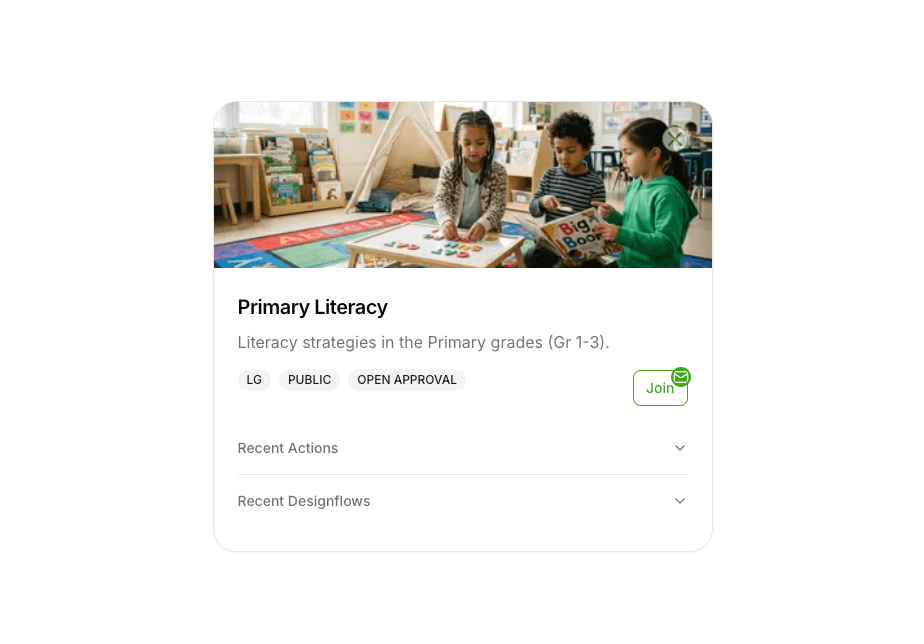
School-level LearningGarden view showing a literacy Garden with recent actions and designflows.